Cloud File Sync Two-way file sync for Odoo
Sync Odoo attachments with the storage your team already uses. Seven backends in one module, with a built-in file manager, public share links and a self-contained engine.
OneDrive / SharePoint
Dropbox
Amazon S3
WebDAV / Nextcloud
FTP / FTPS
NFS / local
Available now on Odoo Apps · $199 USD · OPL-1 · Odoo 16–20
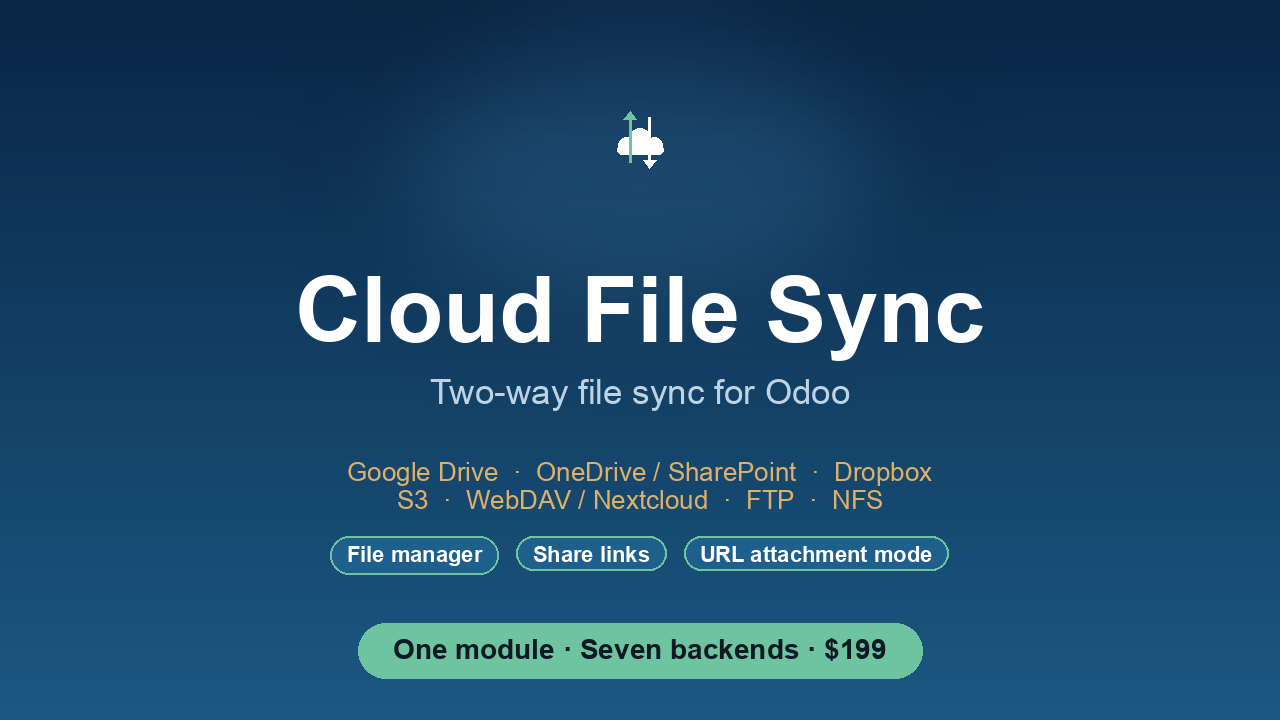
Every storage your team already uses
No per-provider connectors. One purchase covers Google Drive, Microsoft 365, Dropbox, object storage, self-hosted NAS and legacy file servers.
Google Drive
OAuth2, resumable uploads, native Docs/Sheets/Slides downloaded as PDF.
MD5 change detection
OneDrive / SharePoint
Microsoft Graph, upload sessions for large files, configurable tenant.
cTag / eTag
Dropbox
Dropbox API v2 with PKCE and an offline refresh token.
content_hash
Amazon S3 & compatible
AWS S3, MinIO, Wasabi, Scaleway, Cloudflare R2. Path-style or virtual-hosted.
ETag / MD5
WebDAV / Nextcloud / NAS
Nextcloud, ownCloud, Synology, QNAP, TrueNAS. No OS-level mount required.
ETag, then size + mtime
FTP / FTPS
Plain FTP or explicit TLS, passive mode, size + modification time.
size + mtime
NFS / local folder
Point at an NFS, SMB/CIFS share or local disk mounted on the Odoo server.
size + mtime
Built for real sync work
Not just a backup button: rules, checksums, conflicts, health status and an audit trail.
True two-way sync
Push, pull or bidirectional. Checksum-based change detection prevents duplicate downloads and sync loops.
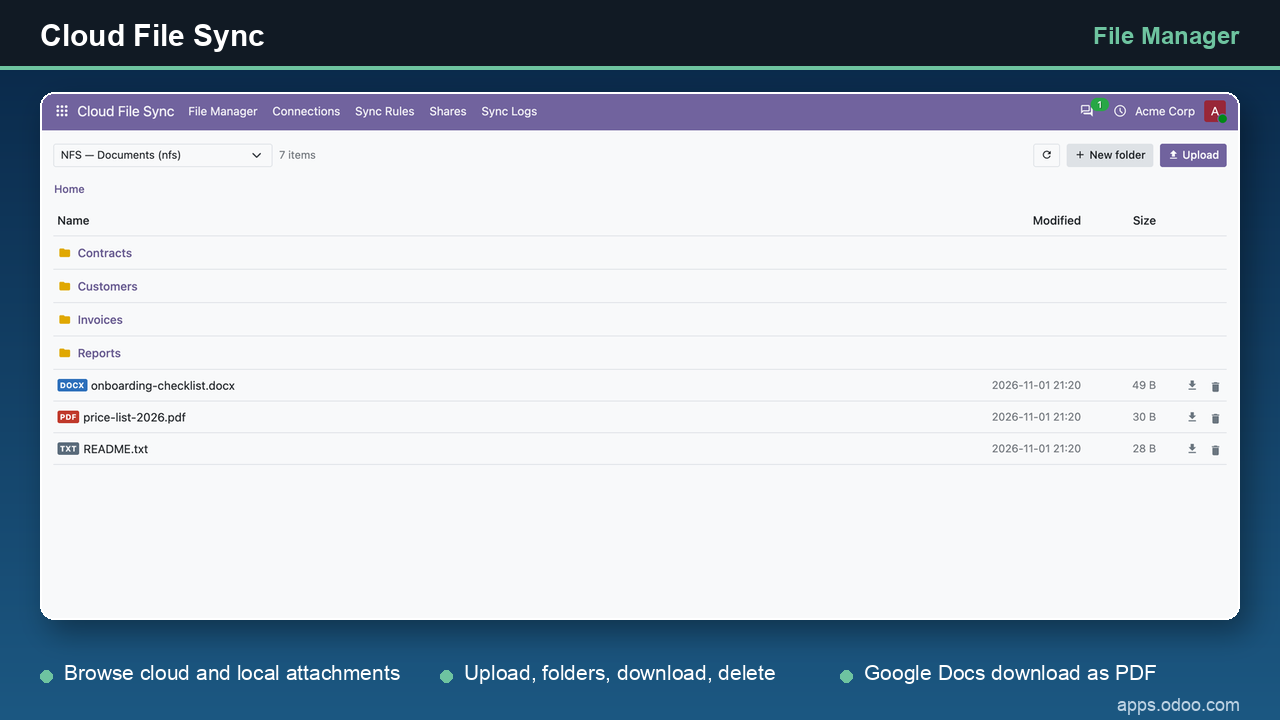
Built-in file manager
Browse any connected storage and Odoo’s own attachments. Upload, create folders, download and delete.
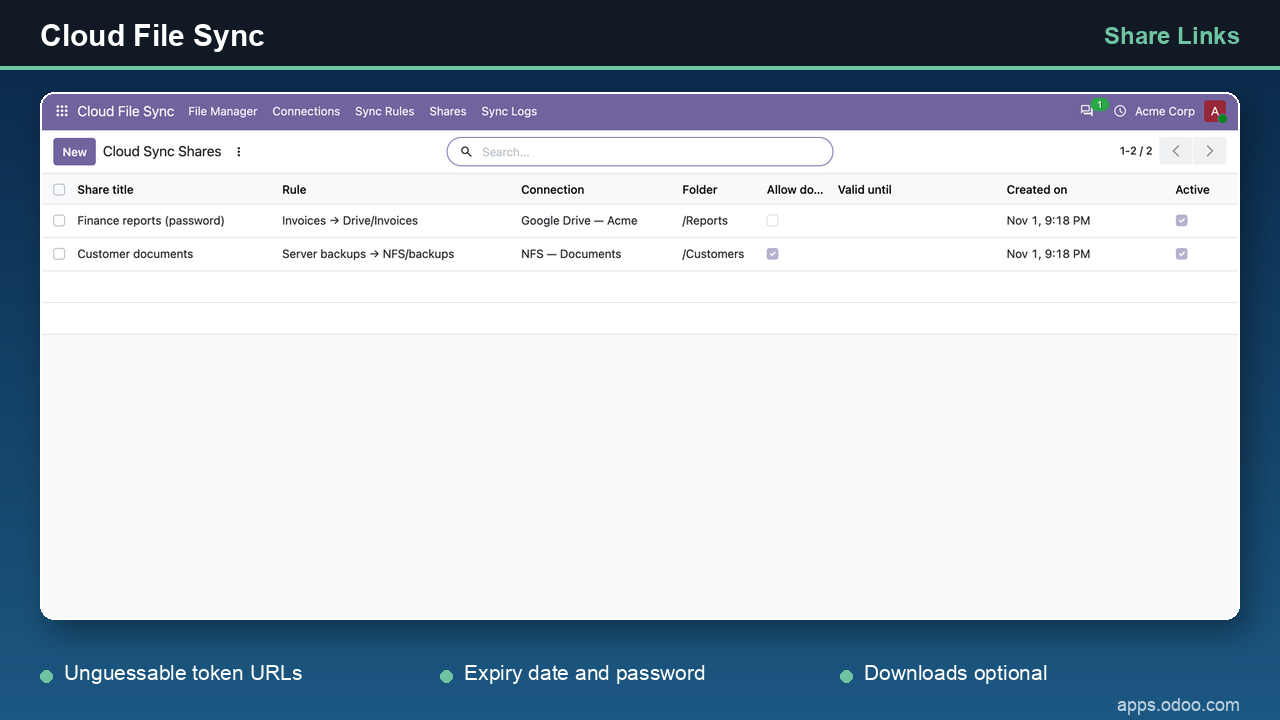
Public share links
Expose a cloud folder under an unguessable token URL, with optional downloads, expiry and password.
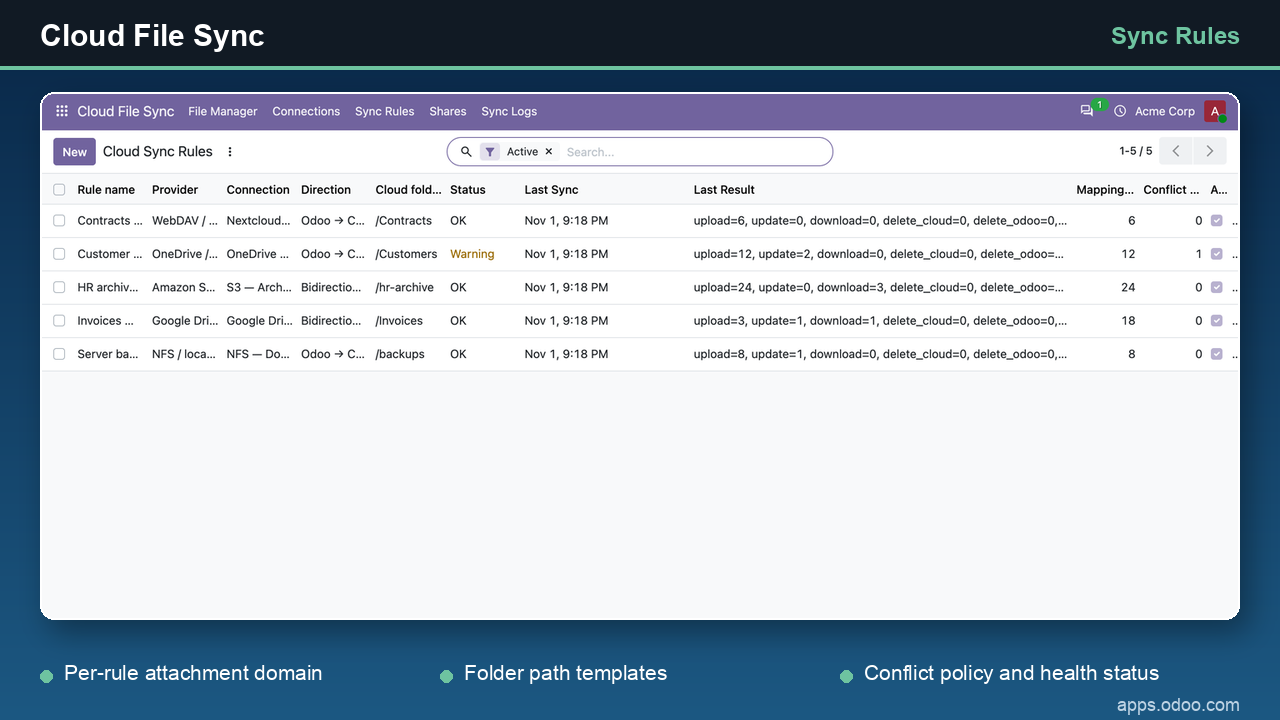
Folder path templates
Build per-record folders such as Customers/{res_name}/{year} from the attachment’s record.
URL attachment mode
Remove binaries from the Odoo database after upload and stream them from the cloud. Restore local copies in one click.
File-type picker
Tick PDF, Word, Excel, PowerPoint, text/CSV and images, or discover every MIME type already in your attachments.
Health monitoring
Every rule reports OK, Warning or Error, with a consecutive-failure counter. The cron retries automatically.
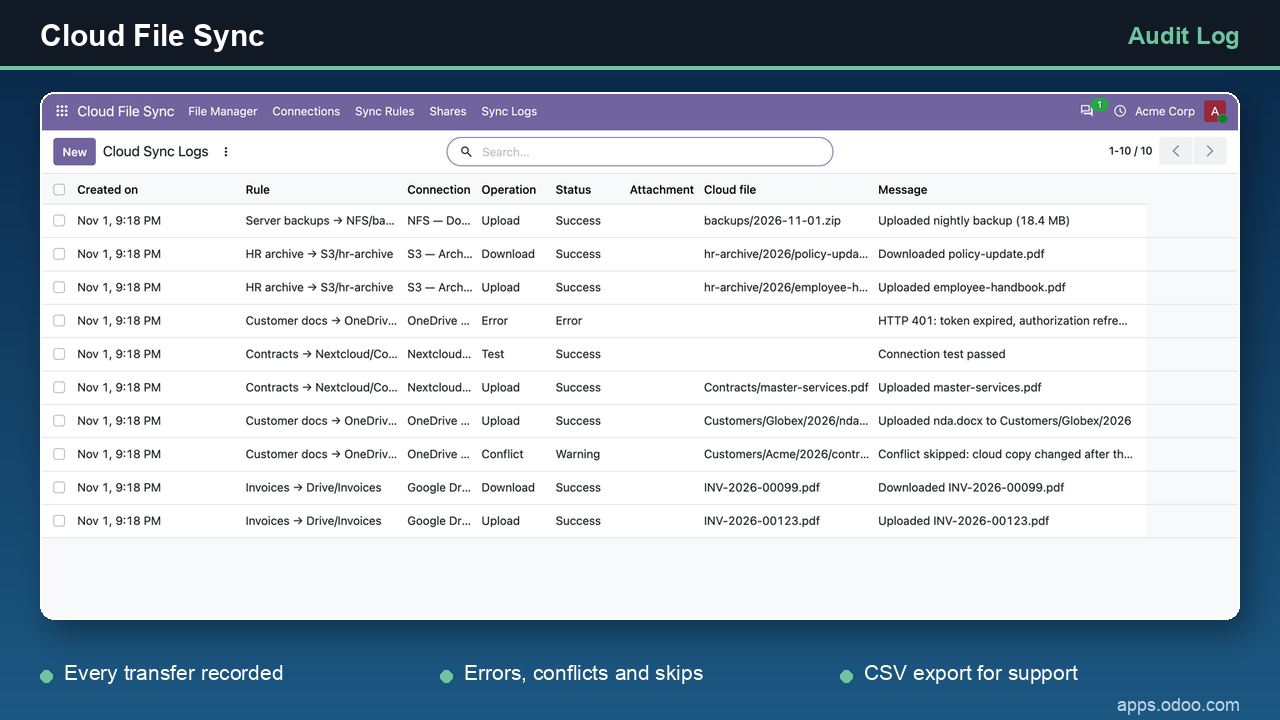
Audit log + CSV
Every upload, download, update, deletion and conflict is recorded, with CSV export for support hand-offs.
See it in action
Real Odoo 20 screens with demo data.
Live in three steps
Connect
Create a connection with your own OAuth app or storage credentials. Files go directly from your Odoo server to the provider.
Create a rule
Pick the file types, direction, cloud folder and conflict policy. Optional: per-record folders and URL attachment mode.
Sync
Click Sync Now or let the cron run every 10 minutes. Watch the audit log and rule health status.
Ready to sync Odoo with your cloud?
Available now on Odoo Apps · $199 USD · one-time licence · OPL-1 · one year of version upgrades · email support.
Common questions
Do I need to install any Python packages?
No. The module uses the Python standard library plus cryptography, which Odoo already ships with. There is no Composer, npm or pip step — copy the module into your addons path and install it from Odoo Apps.
How are credentials and share passwords protected?
Provider tokens and storage passwords are encrypted at rest with Fernet, keyed from your Odoo database.secret. Share passwords are stored as a PBKDF2 hash and verified in constant time. Nothing is sent to Web4Theme.
Where are my cloud credentials stored?
In your own Odoo database, scoped to the connection record. Files travel directly between your Odoo server and the provider you configure; nothing is routed through Web4Theme.
Can I connect Nextcloud, Synology or a NAS?
Yes, through the WebDAV provider. Point the connection at the DAV endpoint (for example https://cloud.example.com/remote.php/dav/files/USER) with a username and app password. No OS-level mount is required.
Does it delete files automatically?
Deletion propagation is off by default. Enable “Delete files deleted in Odoo” or “Delete Odoo attachments removed on cloud” per rule when you want removals to follow.
Which Odoo versions are supported?
Odoo 16, 17, 18, 19 and 20 (Community and Enterprise). The module depends only on base and web.
Is this an official Odoo module?
No. Cloud File Sync is an independent commercial module by Web4Theme. Odoo is a registered trademark of Odoo S.A.; this product is not affiliated with or endorsed by Odoo S.A.
Cloud File Sync is a commercial Odoo module by Web4Theme. Odoo is a registered trademark of Odoo S.A. This module is not affiliated with or endorsed by Odoo S.A. Features and provider support are described on this page; verify the current Odoo Apps listing for the supported version and licence terms.