
Bank Statement Pro
Any bank format in. Scored matches out. Rules that learn.
What it does
Import CAMT.053, MT940, OFX and CSV statements, deduplicate them, score reconciliation candidates and learn matching rules.
- Parsers for ISO 20022 CAMT.053, MT940, OFX and configurable CSV
- Per-bank profiles with date format, encoding, decimal separator and sign rules
- Deduplication by bank reference or date+amount+reference hash
- Scored candidates: amount 40, date window 20, invoice reference 25, name similarity 15
- Assign the partner above 85, suggest between 60 and 85, hide below 60
- Rule learning from accepted matches, with hit counters
- Closing-balance comparison after import
- Multi-currency with exchange differences
Screens from the real module
Captured from a live Odoo database with the module installed. Click any screen to enlarge it.
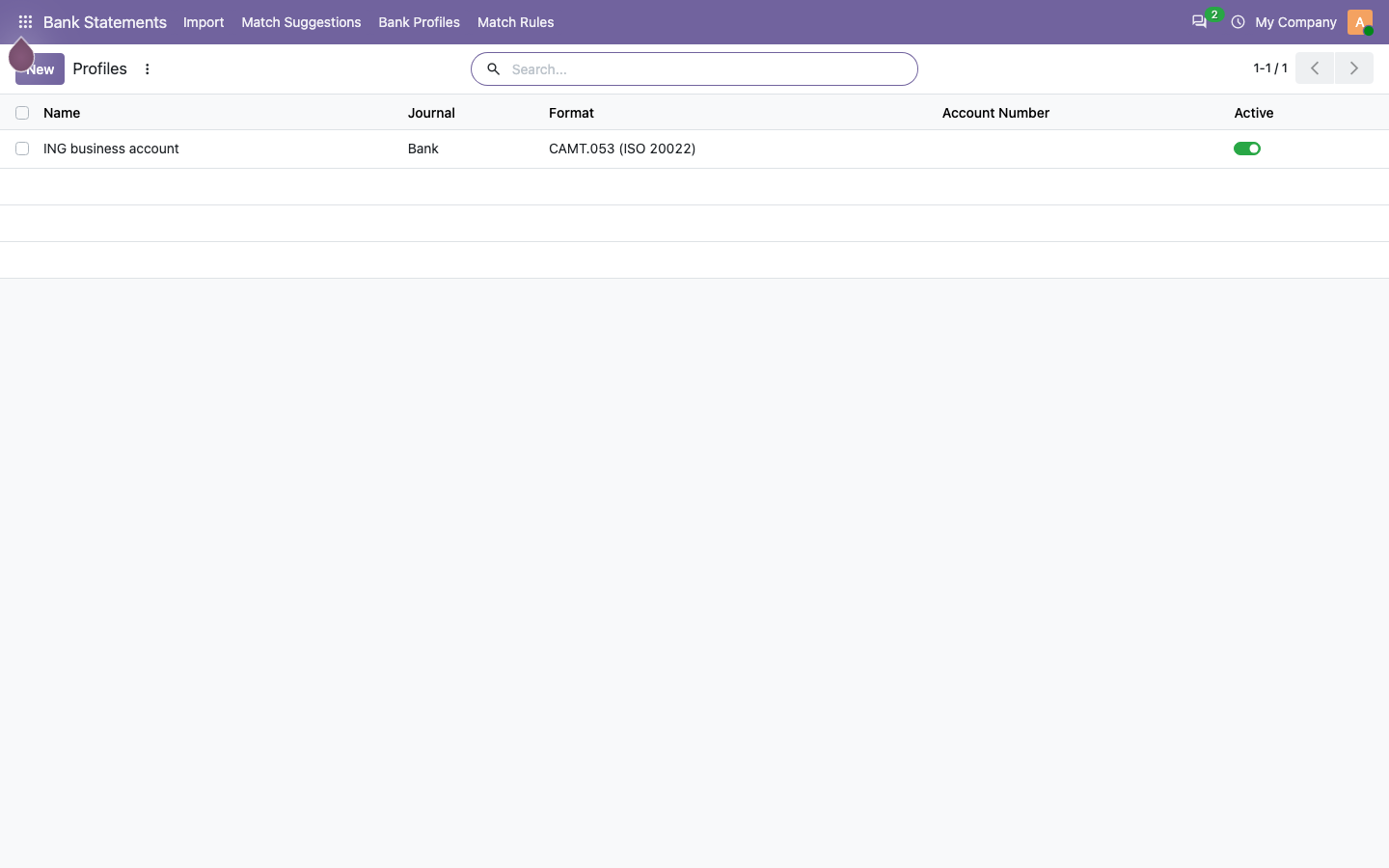
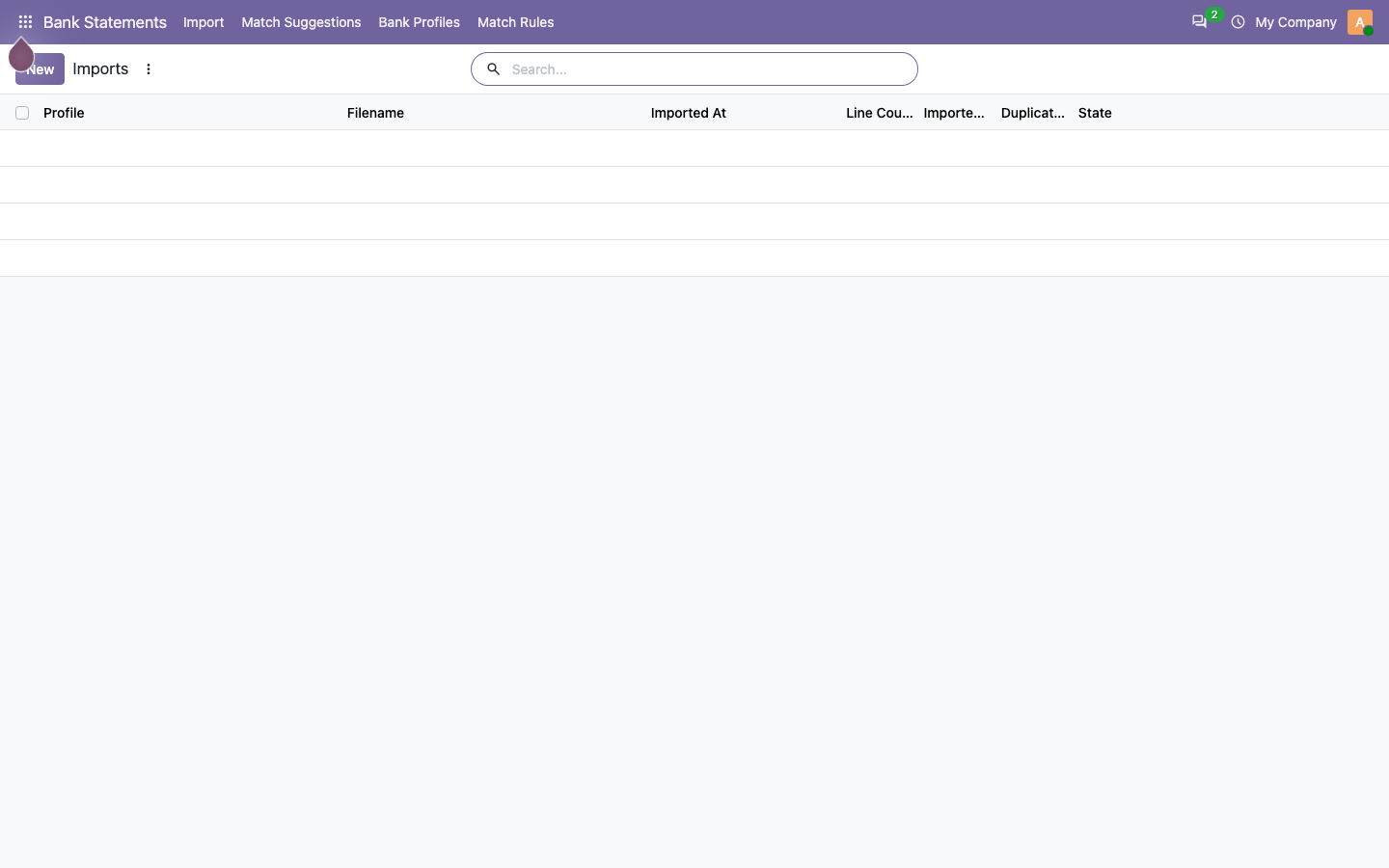
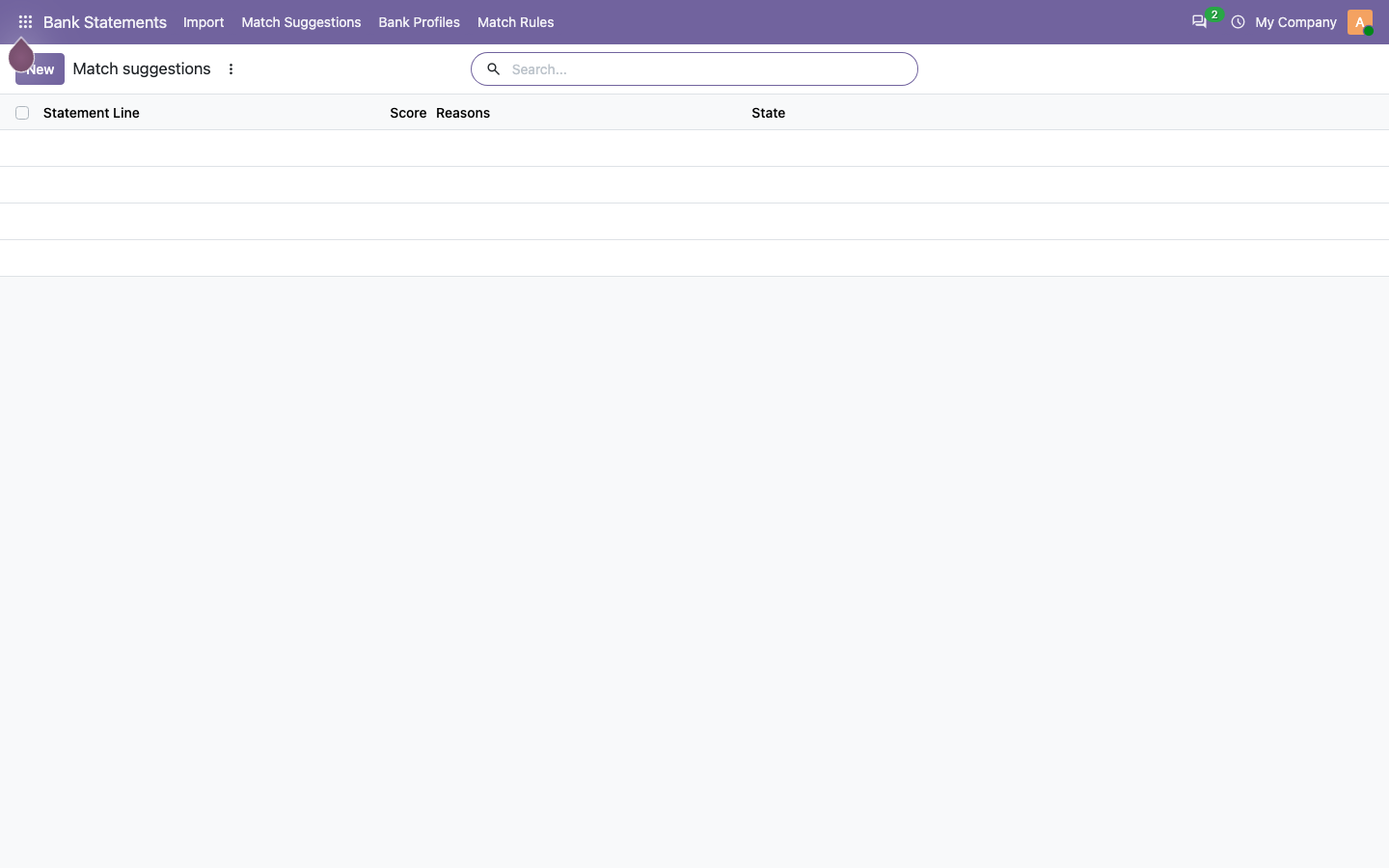
Inside the module
Everything is stored in standard Odoo models, so data stays queryable and exportable.
| Model |
|---|
bank.statement.profile |
bank.statement.import |
bank.match.rule |
bank.match.suggestion |
bank.import.wizard |
Requirements
Depends on account. No Enterprise edition and no third-party Python service is required.
Install in four steps
- Download the module from Odoo Apps, or add the repository and update the app list.
- Install “Bank Statement Pro” from the Apps menu.
- Assign the user and manager groups under Settings → Users.
- Configure the module from its own menu, then run one record end to end.
Questions
Short answers before you install.
Which Odoo versions are supported?
Odoo 19.0 and Odoo 20.0. Each series ships as its own branch, so the manifest version always matches the server.
Do I need Odoo Enterprise?
No. The module runs on Odoo Community and depends only on account.
How is it licensed?
OPL-1 (Odoo Proprietary License). One purchase covers the databases you operate.
How do I get help?
Write to alex@web4theme.com with your Odoo version and a short description; we answer within one business day.
Bank Statement Pro for Odoo
Import CAMT.053, MT940, OFX and CSV statements, deduplicate them, score reconciliation candidates and learn matching rules.
More Odoo modules
Other apps from the same suite.

Universal Import Studio
Import any Odoo model from CSV or XLSX: reusable blueprints, column mapping, preview validation and one-click undo.
Read more →
Approval Studio
Configurable approval workflows on any business model: parallel or any-one steps, delegation, escalation and audit trail.
Read more →
Bundle Combo Engine
One bundle engine for Sales, POS and Website: virtual combos or physical kits, three pricing modes, component stock and true margin.
Read more →